5 Essential Apps for SLPs to Teach Executive Function Skills to Older Students
Supporting older students in developing strong executive function skills is essential for their academic success and independence. As SLPs, we know that challenges with planning, organization, time management, and self-monitoring can impact everything from turning in assignments to managing extracurricular commitments. Teaching students how to access technology, specifically, apps designed to support executive functioning, can be a game changer in fostering these vital skills.
Why Use Apps to Support Executive Functions?
- Real-world relevance: Many students already use smartphones and tablets daily. Integrating executive function apps into therapy or classroom routines helps bridge the gap between intervention and real-life application.
- Skill generalization: Apps provide opportunities for students to practice compensatory strategies outside of therapy sessions, promoting independence and carryover.
- Customization and accessibility: Many apps allow for personalized reminders, checklists, and routines, making them adaptable for the diverse needs of our students.
- Motivation: Digital tools often increase engagement, especially for tech-savvy older students.
5 Helpful Apps for Executive Function Skills
- Google Keep: Simple, visual note-taking and checklist app available in Google workspace. Supports time management, planning, and prioritizing tasks. Like a virtual post it note that you can color-code!
- Microsoft To Do: Lets you create multiple lists, subtasks (“Steps”), reminders, share lists, and sync across devices.
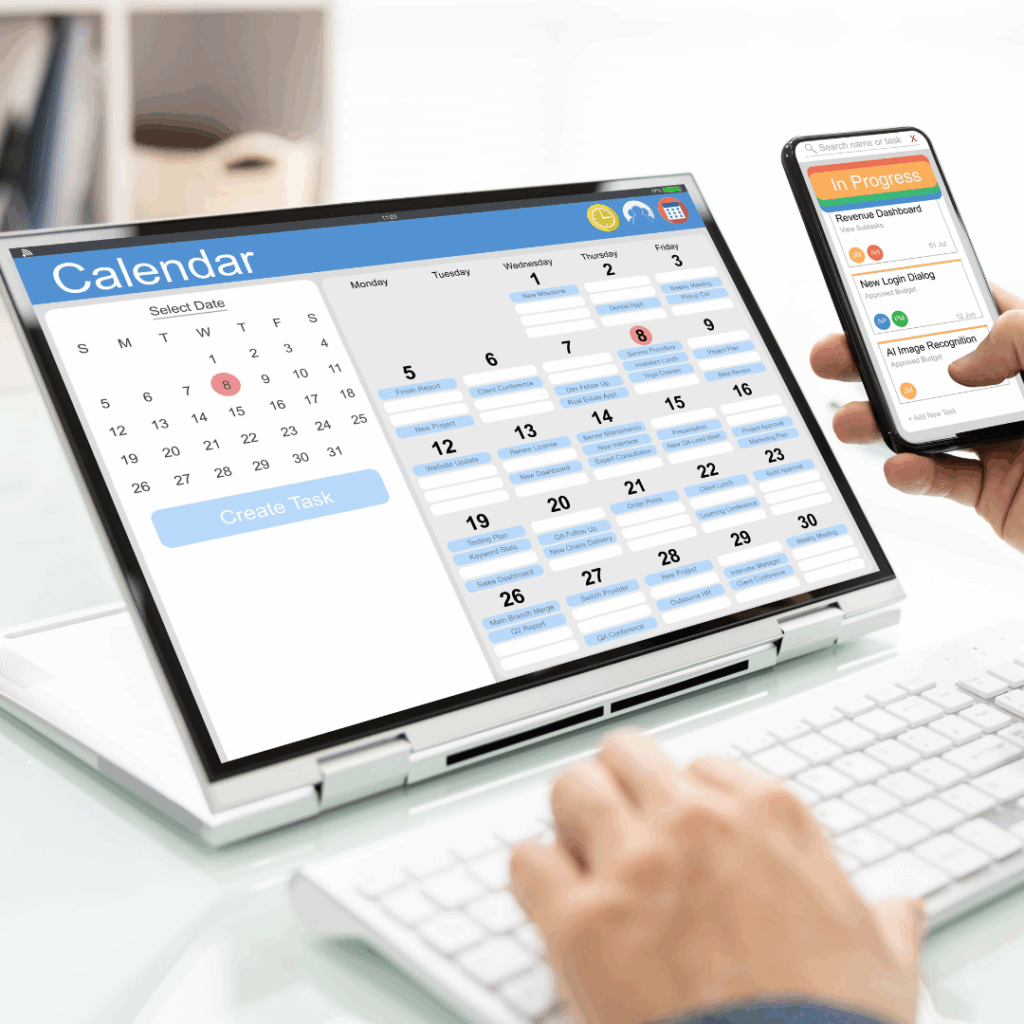
- Google Calendar: Available in Google workspace. Syncs across devices, helps with scheduling, setting reminders, and visualizing deadlines. Can add in your own individualized color coding system.
- Reminders (Apple): Built-in on Apple devices, this app supports creating recurring reminders, checklists, and notifications for tasks.
- Time Tracker by Cognitive Connections: This app helps students visualize, plan, and monitor time for tasks and assignments.
Introducing and explicitly teaching these apps empowers students to take control of their schedules, break down complex tasks, and build routines that foster success. As you work with older students, consider modeling how to use different apps, setting up initial routines together, and gradually fading support as students build confidence and independence.
Helping students harness technology for executive function skills isn’t just about convenience – it’s about equipping them with lifelong strategies for self-management and achievement.